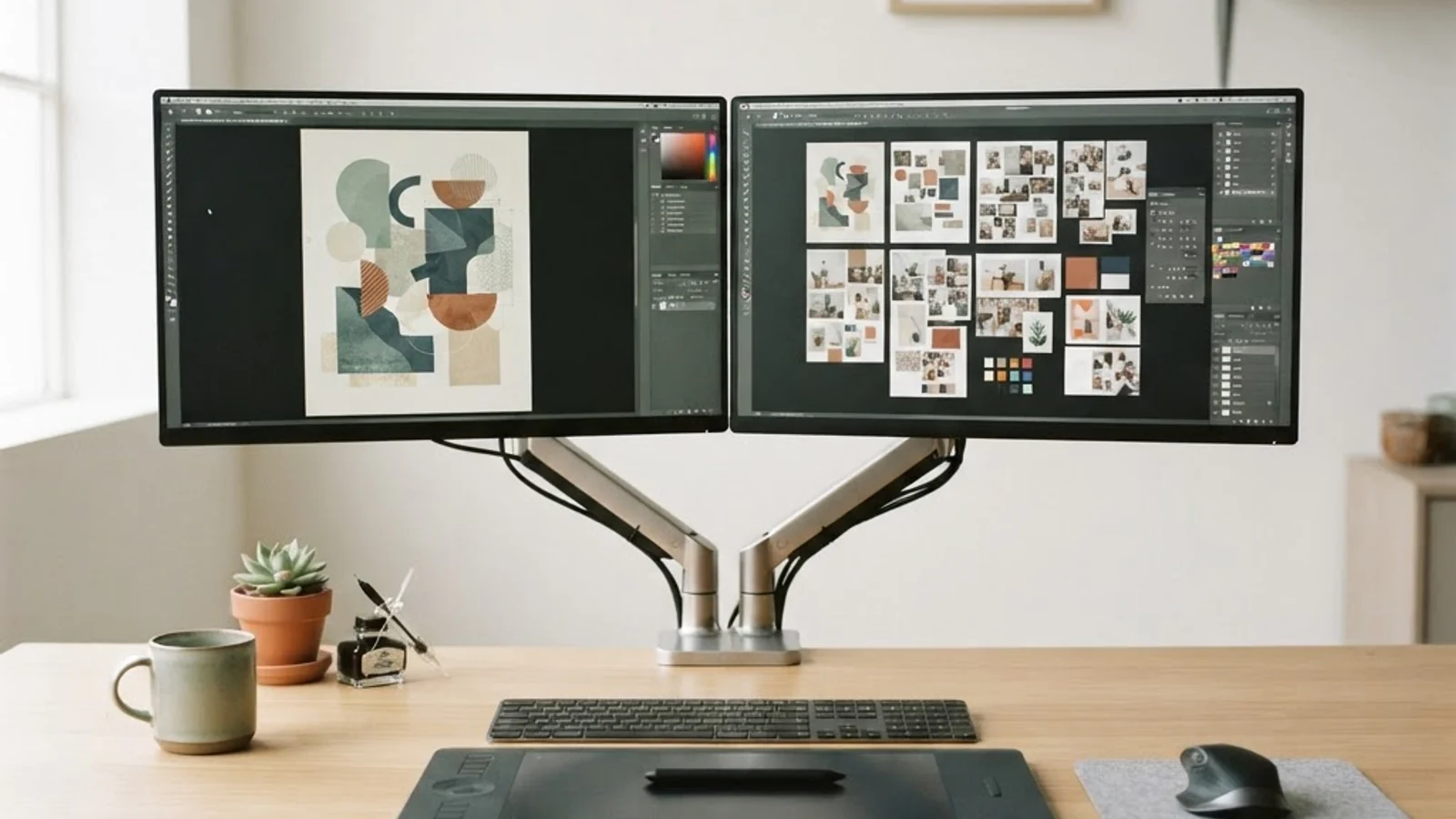
Single or Dual Monitor for Graphic Design: Which Setup Wins in 2026?
Every graphic designer eventually hits the same fork in the road: stick with one large, high-resolution display, or split the workspace across two monitors. The debate isn't just about screen real estate, it's about how your eyes, hands, and brain move through a design file all day. A single monitor setup means one display, typically 27 inches or larger, running your entire creative workflow. A dual monitor setup splits that workflow across two separate screens, usually one for the active canvas and one for reference material, panels, or client communication. Neither option is universally correct; the right choice depends on the type of design work, the software stack, and the physical desk space available.
Quick Answer: Dual monitors generally suit designers who juggle reference images, client feedback, and multiple apps at once, while a single large 4K monitor works better for illustration, print layout, and anyone who values a distraction-free canvas with less neck movement.
How WebPeak Helps Designers Build the Right Creative Workflow
Choosing hardware is only one piece of a productive design workflow, the bigger challenge is often the design and delivery process itself. WebPeak is a full-service digital agency that works with businesses worldwide on graphic design, content, and web projects, and their designers routinely advise clients on studio setups, file organization, and asset handoff so that whatever monitor configuration a team uses, the actual creative output stays consistent and efficient. For brands that need ongoing design support rather than a one-off decision about hardware, working with an established creative team removes the guesswork entirely.
What Changes When You Add a Second Monitor?
Adding a second monitor changes three things immediately: available pixel space, how often you alt-tab between windows, and how far your eyes travel across the desk. Designers working in Adobe Photoshop or Illustrator often move their tool palettes, layers panel, and color swatches to the secondary screen, keeping the primary display dedicated entirely to the canvas. This reduces the number of floating panels covering the artwork itself.
Reference-heavy work benefits the most. A packaging designer pulling mood boards, a UI designer checking a live website while building mockups, or a social media designer comparing brand guidelines against a draft all gain real time savings from having a second screen instead of constantly switching tabs. The trade-off is desk space, cable management, and the mental effort of treating two displays as one continuous field of vision, which some designers find distracting rather than helpful.
Choosing Between One and Two Screens: A Practical Checklist
Use the following checklist to match your setup to your actual daily tasks rather than general advice:
- Check your software habits: If you constantly open reference folders, browser tabs, or communication apps while designing, a second monitor removes friction immediately.
- Measure your desk depth: Two 24-inch monitors need real desk space and proper viewing distance; if your desk is under 40 inches wide, a single ultrawide or 32-inch 4K display may be more comfortable.
- Consider your discipline: Illustrators and painters often prefer one large, color-accurate canvas; UI/UX and motion designers who preview across formats benefit more from dual screens.
- Factor in your budget: One high-quality color-accurate 4K monitor can cost as much as two mid-range 1440p monitors, decide whether resolution or screen count matters more for your work.
- Test before committing: If possible, borrow or trial a second monitor for a week before buying, since the benefit is highly workflow-dependent and hard to judge from specs alone.
Single vs. Dual Monitor: Side-by-Side Comparison
The table below breaks down how each setup compares across the factors that matter most for graphic design work.
| Factor | Single Monitor Setup | Dual Monitor Setup |
|---|---|---|
| Best for | Illustration, print design, photo retouching, color-critical work | UI/UX design, social media design, motion graphics, client review work |
| Desk space needed | Lower, easier for small studios | Higher, requires wider desk and monitor arms |
| Typical cost | One premium color-accurate display (higher per-unit cost) | Two mid-range displays (often lower combined cost) |
| Eye and neck strain | Lower, since focus stays centered | Can increase if monitors aren't aligned properly |
| Multitasking speed | Slower, relies on window switching | Faster, panels and references stay visible |
What Experienced Designers Actually Report
There isn't a single verified industry statistic that settles this debate, so it's worth relying on consistent, real-world patterns instead of invented numbers. In practice, freelance illustrators and print designers who work primarily in Photoshop or Procreate-style workflows tend to gravitate toward one large, color-calibrated monitor because color consistency across a single panel matters more than extra screen space. Studios doing UI/UX, web design, or motion graphics, where checking layouts, browser previews, and client feedback threads happens constantly, tend to standardize on dual-monitor setups because the time saved on window switching adds up over a full workday.
Another consistent observation from design teams: monitor arms and proper alignment matter more than the number of screens. A poorly positioned dual setup, with mismatched height or angle, causes more strain than a single well-positioned monitor. The decision is less about more screens equalling better and more about matching the setup to how your specific software and workflow behave.
Key Takeaways
- Dual monitors reduce time lost to window switching for designers who rely on references, feedback, or multiple apps.
- A single large 4K or color-accurate monitor suits illustration, painting, and print work where color consistency is the priority.
- Desk space and monitor arm quality affect comfort more than the number of screens alone.
- Budget-wise, two mid-range monitors can sometimes cost less than one premium color-accurate display.
- The best approach is to trial a setup based on actual daily software habits, not general industry trends.
Frequently Asked Questions
Is dual monitor better than single monitor for graphic design?
It depends on the work type. Dual monitors help designers who multitask across reference material, panels, and client communication, while a single high-resolution monitor suits color-critical illustration or print work where an uninterrupted canvas matters more than extra screen space.
What monitor size is best for graphic design?
Most designers find 27 to 32 inches ideal for a single setup, offering enough canvas space without excessive head movement. For dual setups, matching two 24 to 27 inch monitors keeps alignment consistent and avoids strain from mismatched screen sizes.
Do I need a 4K monitor for graphic design?
A 4K monitor helps significantly for detailed print work, photo retouching, and any project requiring precise color and sharpness. For web or social media design, a well-calibrated 1440p monitor is often sufficient and more affordable.
Can I use a laptop and a monitor as a dual setup?
Yes, many designers use their laptop screen as a secondary display for panels or references while working on an external monitor for the main canvas. This is a budget-friendly way to test dual-monitor benefits before buying a second full-size display.
How much desk space do I need for dual monitors?
A comfortable dual-monitor setup typically needs at least 40 to 48 inches of desk width, plus room for a keyboard and tablet if you use one. Monitor arms can help save space by mounting screens above the desk surface instead of using bulky stands.
Conclusion
The single-versus-dual monitor decision for graphic design comes down to one core question: does your daily work involve constant multitasking across references and panels, or does it rely on one focused, color-accurate canvas? Designers doing UI/UX, motion graphics, or client-facing work generally gain the most from dual monitors, while illustrators and print designers often do better investing in one excellent display. Rather than following a blanket recommendation, map the decision to your actual software habits and desk space, and if budget allows, trial a second monitor for a short period before committing. For more on how demanding design work really is day to day, see this breakdown of what makes graphic design genuinely challenging, which puts hardware decisions like this one into a fuller creative-workflow context.