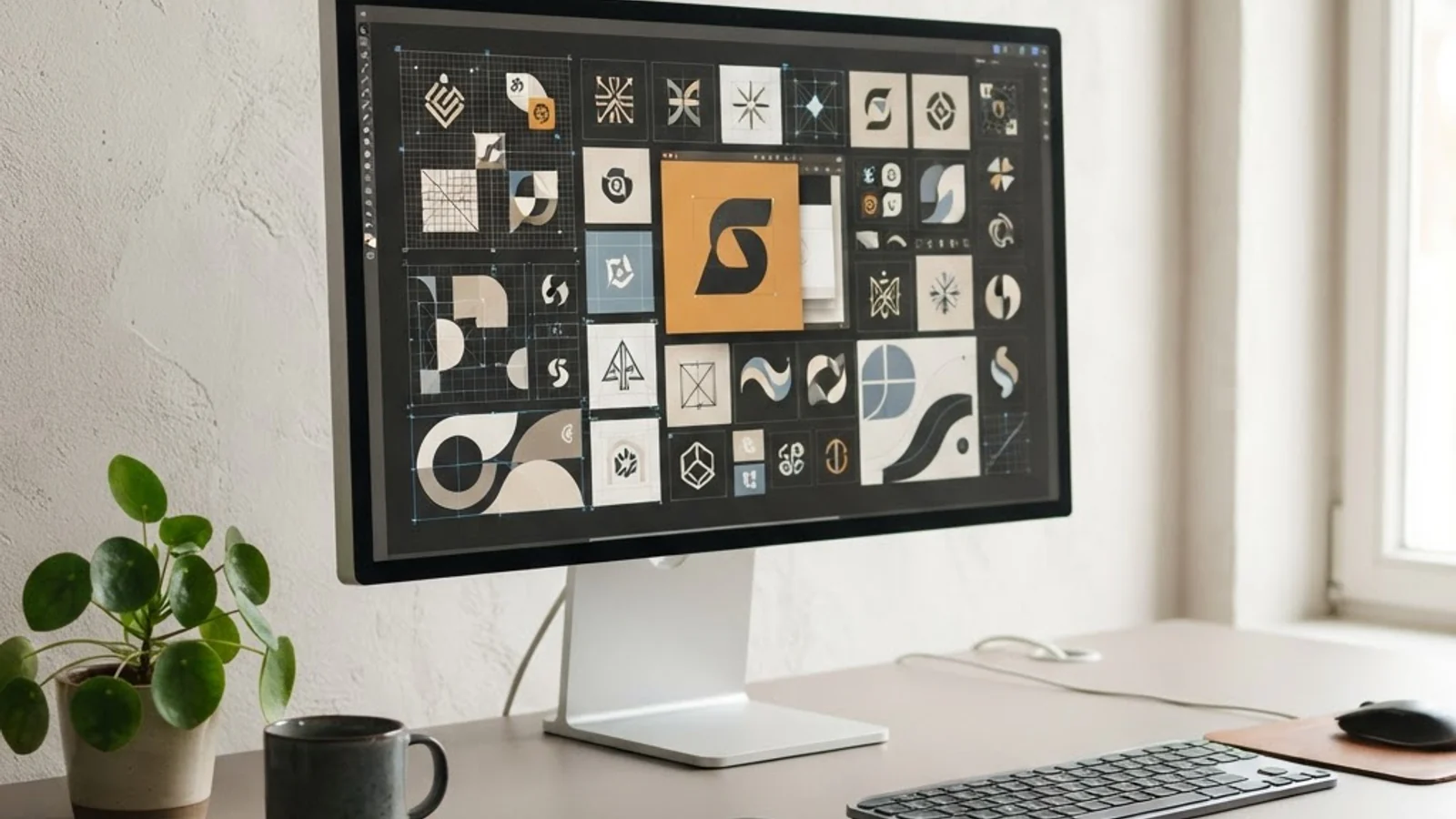
Is a 27-Inch 5K Monitor Big Enough for Graphic Design? A Practical Buyer's Guide
Graphic designers spend more hours staring at their monitor than at almost any other piece of equipment they own, which is exactly why the question of screen size and resolution matters so much. A 27-inch 5K monitor refers to a display with a physical diagonal size of 27 inches and a resolution of roughly 5120 x 2880 pixels, giving it a pixel density near 218 PPI, the same density Apple uses on its Retina displays. That density is the real story here, not the inch measurement. Many designers assume bigger is automatically better, but pixel density, color accuracy, and how the screen is actually used in a layout or illustration workflow matter just as much as diagonal size.
Quick Answer: Yes, a 27-inch 5K monitor is big enough for the vast majority of graphic design work, including print, branding, UI/UX, and photo editing. Its Retina-level pixel density delivers crisp text and fine detail, though designers juggling many panels or working in video may still prefer a larger or dual-monitor setup.
How WebPeak Supports Designers Building the Right Creative Workflow
Choosing the right monitor is only one piece of a much bigger creative workflow puzzle, and this is an area where an experienced digital agency can make a real difference. WebPeak works with brands and design teams to build out full creative pipelines, from graphic assets to the websites and platforms those assets ultimately live on, so that hardware decisions like a 27-inch 5K display actually translate into faster turnaround and sharper final output. Teams that want their design work backed by a partner who understands both the creative and technical sides of a project can learn more at WebPeak's design and development services, where designers, developers, and marketers collaborate under one roof.
What Does 5K Resolution Actually Mean for Design Work?
5K resolution on a 27-inch panel packs four times the pixels of a standard 1080p monitor into a similar physical footprint, which is what makes text, icons, and vector paths look sharp rather than slightly soft. For designers working in Adobe Illustrator, Photoshop, or Figma, this pixel density means fine details like hairline strokes, small typography, and subtle gradients render accurately without visible pixelation.
The practical effect is that a 5K panel lets designers zoom out further while still trusting what they see on screen. A logo mark or icon set that needs to hold up at small sizes can be evaluated at near-final scale without constant zooming in and out, which speeds up the review process considerably.
Color accuracy is the other half of the equation. Most 27-inch 5K monitors marketed toward creative professionals cover 99-100% of the P3 color gamut and ship factory-calibrated, which matters enormously for anyone doing brand color work, packaging design, or photo retouching where color consistency between screen and final print or digital output is non-negotiable.
27-Inch 5K vs Other Common Monitor Setups for Designers
Deciding whether 27 inches at 5K is the right fit usually comes down to comparing it against the other configurations designers commonly consider. Here is how it stacks up in practice:
- 27-inch 5K vs 24-inch 4K: The 27-inch 5K offers noticeably more usable screen real estate at the same sharpness level, since the extra physical size accommodates more toolbars and panels without shrinking the interface.
- 27-inch 5K vs 32-inch 4K: The 32-inch 4K has a lower pixel density (around 137 PPI), so text and fine UI elements look less crisp up close, even though the panel is physically larger.
- 27-inch 5K vs dual 24-inch monitors: Dual monitors offer more total space for reference material and palettes but introduce a bezel gap that can be distracting for single-canvas work like illustration or layout design.
- 27-inch 5K vs 34-inch ultrawide: An ultrawide is excellent for video editing timelines and multitasking, but the curved or extra-wide format can distort perceived proportions during precise graphic layout work.
For most freelance and in-house graphic designers working on branding, marketing collateral, UI design, and photo editing, the 27-inch 5K format hits a practical sweet spot between sharpness, physical desk footprint, and single-canvas focus.
Comparing Monitor Options for Graphic Design Work
The table below breaks down how a 27-inch 5K monitor compares against other popular configurations across the factors that matter most to designers.
| Monitor Type | Approx. Pixel Density | Best For | Main Trade-off |
|---|---|---|---|
| 27-inch 5K | ~218 PPI | Branding, UI/UX, photo editing, illustration | Premium price point |
| 24-inch 4K | ~184 PPI | Budget-conscious designers, tight desk space | Less usable screen real estate |
| 32-inch 4K | ~137 PPI | Video review, presentations, team walkthroughs | Softer detail up close |
| 34-inch Ultrawide | ~110 PPI | Multitasking, timeline-based editing | Proportion distortion on curved models |
What Working Designers Actually Notice Day to Day
Beyond specs, the real-world experience of using a 27-inch 5K monitor comes down to a few practical observations that consistently show up in designer workflows. In practice, designers who switch from a standard 1440p or 4K panel to a 5K display report that the biggest immediate difference isn't raw size, it's how much less eye strain they experience during long editing sessions, because text and UI elements no longer require squinting or constant zoom adjustments.
Another consistent observation: because 5K panels render interface elements like Photoshop's tool palettes and Illustrator's layers panel at native sharpness even when scaled, designers get more functional workspace without sacrificing legibility. This is different from a lower-resolution large monitor, where scaling up the OS to keep text readable often eats into the extra screen space you gained by buying a bigger display in the first place.
Where the 27-inch 5K format does show limitations is in workflows that genuinely need panoramic width, motion graphics artists working with wide timelines, or designers who keep six or more reference windows open simultaneously, often still prefer either a second monitor or an ultrawide format specifically for that horizontal space.
Key Takeaways
- A 27-inch 5K monitor delivers roughly 218 PPI, matching Retina-level sharpness for text, icons, and fine design details.
- 5K resolution lets designers evaluate small-scale elements like logos and icons closer to their true final size without constant zooming.
- Most 27-inch 5K displays marketed to creatives cover the P3 color gamut, which is important for accurate brand and print color work.
- Compared to a 32-inch 4K or 34-inch ultrawide, the 27-inch 5K offers sharper detail but less horizontal workspace.
- The format suits branding, UI/UX, illustration, and photo editing best; video-heavy or multi-reference workflows may still benefit from a second display.
Frequently Asked Questions
Is a 27-inch 5K monitor good for Photoshop and Illustrator work?
Yes, it's an excellent fit. The high pixel density keeps fine strokes, small type, and gradients crisp, while the color-accurate panels common on 5K displays help ensure what you see matches print or export output closely.
Do I need a second monitor if I already have a 27-inch 5K display?
Not necessarily. Many designers work comfortably on a single 5K panel for branding and layout work. A second monitor becomes more valuable for reference material, communication apps, or timeline-heavy video editing tasks.
Will a 27-inch 5K monitor work well for UI/UX design?
Yes, UI/UX designers benefit significantly since interface mockups render at near pixel-perfect sharpness, letting designers spot spacing, alignment, and typography issues that might be harder to catch on a lower-resolution screen.
Is 5K resolution overkill compared to 4K for graphic design?
Not overkill, the extra pixel density specifically helps with small text and fine detail at close viewing distances, which is common in design work. 4K is still capable, but 5K offers a visible sharpness advantage on a 27-inch panel.
What's the biggest downside of a 27-inch 5K monitor for designers?
The main trade-offs are price and limited horizontal workspace compared to ultrawide formats. Designers who need extensive multitasking space or wide timelines may find a second monitor or larger ultrawide more practical.
Conclusion
A 27-inch 5K monitor is genuinely big enough, and sharp enough, for the majority of professional graphic design work, from branding and illustration to UI/UX and photo retouching. The decision point isn't really about size in inches; it's about whether your specific workflow needs more horizontal space than a single 27-inch panel provides. For most designers, the answer is to buy the 5K panel for its color accuracy and pixel density, and add a second monitor later only if reference-heavy or video-based work demands it. For a closer look at how design decisions like this fit into a working designer's daily routine, this day-in-the-life perspective on graphic design work offers useful context.