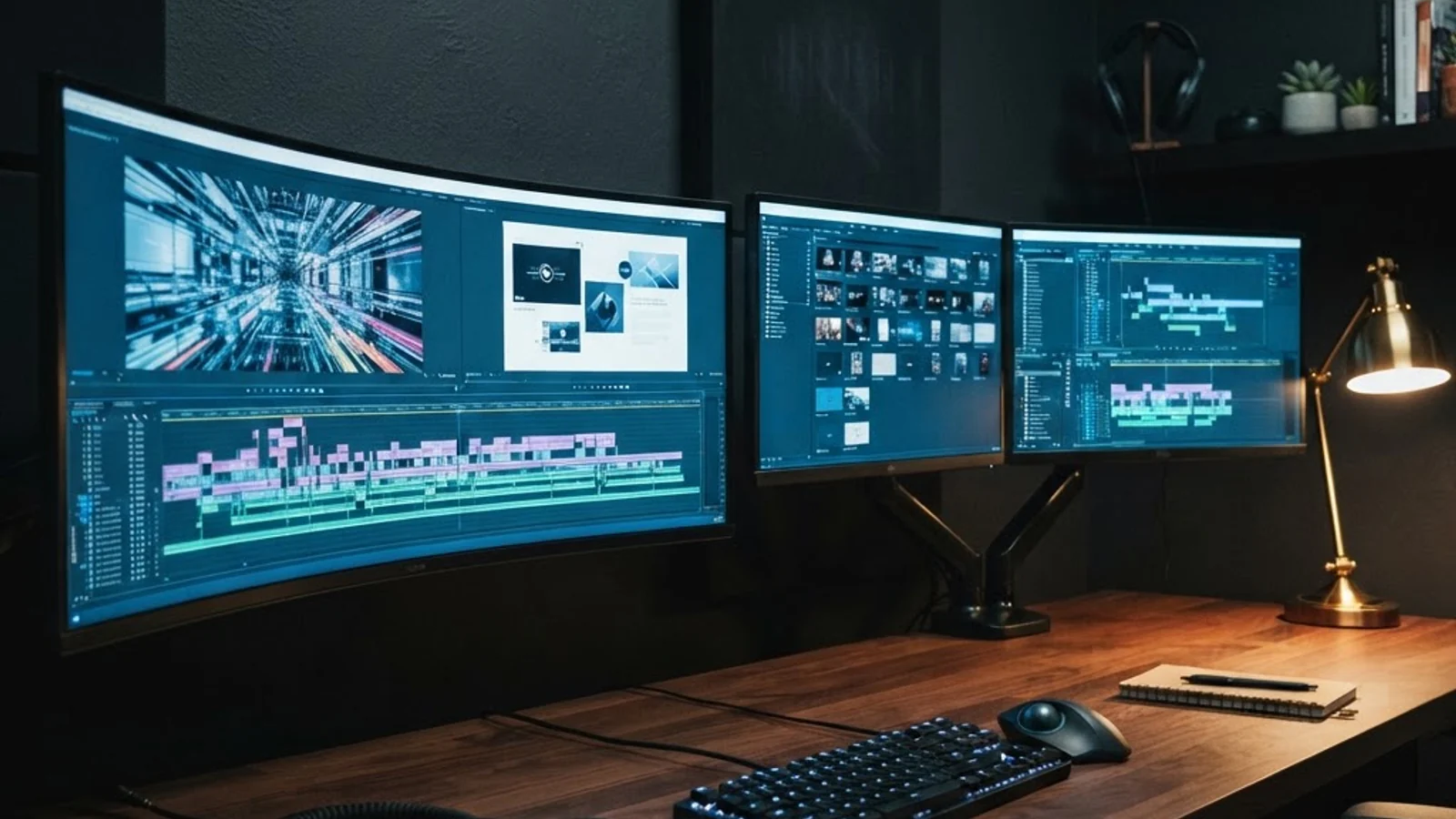
Dual Monitor or Ultrawide for Graphic Design: Which Setup Wins in 2026?
Every graphic designer eventually hits the same wall: the canvas feels cramped, palettes and panels eat into working space, and switching between reference images and the design file turns into a constant game of alt-tab. The fix is almost always a bigger, smarter display setup, but the choice between two separate monitors and one wide ultrawide screen is not as obvious as it looks. A dual monitor setup uses two physical displays side by side, each with its own bezel and stand, while an ultrawide monitor is a single panel (typically 21:9 or 32:9) that stretches horizontally to give one continuous, uninterrupted canvas. Both solve the 'not enough space' problem, but they solve it in very different ways that affect workflow, cost, and even neck strain.
Quick Answer: Dual monitors suit designers who need distinct, separated windows, like a reference browser on one screen and Illustrator on the other, and want the flexibility to upgrade one panel at a time. Ultrawide monitors suit designers who want one seamless canvas without a bezel gap, especially for video editing, timelines, and panoramic layouts.
How WebPeak Supports Designers Building the Right Workstation
Choosing hardware is only half the battle; the other half is making sure the creative output that hardware produces actually performs for clients and audiences. WebPeak, a full-service digital agency working with clients worldwide, pairs experienced graphic designers with teams who understand color management, brand consistency, and production pipelines across print and digital. Whether a business needs a single logo refined on a color-accurate ultrawide setup or an entire brand identity system built across multiple monitors and file formats, their graphic design services are built around workflows that scale from freelancers to enterprise design teams. For teams debating hardware, WebPeak's designers can also advise on which monitor calibration and resolution settings actually matter for the deliverables a business produces most often.
Dual Monitor vs Ultrawide: What Actually Changes in Your Workflow
The core difference isn't just screen size, it's how software treats the space. On a dual monitor setup, the operating system sees two separate displays, so maximizing a window fills only one screen, and moving a palette to the second monitor is a deliberate action. On an ultrawide, the OS sees one long screen, so windows can be snapped into thirds or halves without a bezel interrupting the middle of your canvas.
For designers working across multiple applications, say, Photoshop, a browser for client references, and Slack, dual monitors keep those apps cleanly separated, which reduces the accidental window-snapping that happens on ultrawides when a window is dragged too far. This overlaps closely with how design work is scoped in bigger projects; understanding where graphic design responsibilities end and web design begins often shapes which monitor setup a designer actually needs, since web designers juggling code editors, browsers, and design files benefit differently from screen space than a pure illustrator or print designer would.
Ultrawide monitors excel when the work itself is horizontal: video editing timelines, wide banner ads, panoramic photography retouching, and multi-artboard layouts in tools like Figma or Illustrator. A single 34-inch ultrawide at 3440x1440 resolution gives roughly the same pixel width as two 27-inch 1440p monitors combined, but without the seam running through the middle of your workspace.
5 Questions to Ask Before Choosing Your Setup
Before buying either configuration, run through these practical checks based on how designers actually work day to day:
- What software do you use most? Video and motion graphics tools like Premiere or DaVinci Resolve are built around horizontal timelines and generally feel more natural on an ultrawide. Illustration and layout tools like Illustrator and InDesign work well either way.
- Do you need identical color accuracy across your whole view? Matching two separate monitor panels for color and brightness takes extra calibration; a single ultrawide panel is uniform by default.
- How much desk depth do you have? Curved ultrawide monitors need more desk depth to avoid distortion at close viewing distances; dual monitors can be angled inward to fit tighter spaces.
- Will you ever need to unplug and travel with one screen? A dual setup lets you disconnect one monitor for a laptop-only session; an ultrawide is an all-or-nothing single unit.
- What's your budget per upgrade cycle? With dual monitors, you can replace one panel at a time as budgets allow; an ultrawide is typically a single, larger upfront purchase.
Dual Monitor vs Ultrawide: Side-by-Side Comparison
The table below breaks down the practical differences designers weigh most when deciding between the two setups.
| Factor | Dual Monitor Setup | Ultrawide Monitor |
|---|---|---|
| Screen continuity | Bezel gap between screens | Single uninterrupted canvas |
| Color matching | Requires calibrating two panels to match | Naturally uniform color and brightness |
| Desk space needed | Wider footprint, flexible angling | Deeper desk needed for curved models |
| Upgrade flexibility | Replace one screen at a time | Single unit, replaced as a whole |
| Best for | Multi-app workflows, reference plus design side by side | Video timelines, panoramic layouts, immersive canvases |
What Working Designers Actually Notice After Switching
Because monitor preference is workflow-dependent, there is no single verified industry statistic that settles this debate, the more useful signal comes from how design output changes in practice. Designers who move from one small monitor to a dual monitor setup consistently report faster context-switching, since reference material, client feedback threads, and the working file no longer compete for the same screen space. That said, the bezel gap on dual setups becomes a genuine friction point specifically for designers doing full-bleed layouts or panoramic compositions, where an ultrawide's single canvas removes the visual interruption entirely.
This kind of layout awareness also matters beyond the screen itself. Designers producing wayfinding systems, signage, or spatial branding, the kind of work covered under environmental graphic design principles, often prefer ultrawide setups because they can preview an entire signage sequence or spatial layout at true horizontal scale without scrolling between windows. On the other end, designers producing app UI or web pages, which are inherently vertical, tend to get more practical value from a dual monitor setup with one screen rotated into portrait orientation.
The practical takeaway from years of studio setups: match the monitor shape to the shape of your output. Horizontal, panoramic, or timeline-based work leans ultrawide. Vertical, multi-app, or reference-heavy work leans dual monitor.
Key Takeaways
- Dual monitors separate applications cleanly and let you upgrade one screen at a time, but require extra effort to color-match both panels.
- Ultrawide monitors give one seamless canvas with uniform color, best suited to video editing, timelines, and panoramic or multi-artboard layouts.
- Desk depth matters more than people expect, curved ultrawides need more physical space than a flat dual-monitor arrangement.
- The right choice depends on the shape of your output: horizontal and continuous work favors ultrawide; multi-app and reference-heavy work favors dual monitors.
- Neither setup is universally better, matching hardware to your actual software and project type produces the biggest workflow improvement.
Frequently Asked Questions
Is an ultrawide monitor good enough to replace two monitors for design work?
Yes, for most single-application workflows an ultrawide can replace two monitors, since you can snap windows side by side without a bezel gap. It's less ideal if you frequently need to fully separate reference material from your working file.
What size ultrawide is best for graphic design?
A 34-inch ultrawide at 3440x1440 resolution is the most common sweet spot for graphic designers, offering enough width for multi-panel layouts without requiring excessive desk depth or neck movement to see the full screen.
Do I need a graphics card upgrade for an ultrawide monitor?
Most modern integrated and dedicated graphics cards handle ultrawide resolutions fine for design software, since design work is less GPU-intensive than gaming. Heavy video editing or 3D rendering may benefit from a dedicated GPU regardless of monitor choice.
Can I mix a dual monitor and ultrawide setup?
Yes, many designers pair one ultrawide as their main canvas with a smaller secondary monitor for palettes, chat, or reference material. This hybrid setup is popular precisely because it borrows the strengths of both configurations.
Which setup is better for a tight budget?
Dual monitors are usually more budget-friendly upfront, since you can start with one monitor and add a second later. An ultrawide requires a larger single purchase but avoids the ongoing cost of calibrating and matching two separate panels.
Conclusion
The dual monitor versus ultrawide decision ultimately comes down to the shape of the work you produce most often, not personal preference alone. Designers building horizontal, continuous, or timeline-based content get the most value from an ultrawide's seamless canvas, while designers juggling multiple applications and reference sources benefit more from the clean separation dual monitors provide. Before buying either, map out your last month of projects, note which required panoramic or full-bleed views versus multi-window multitasking, and let that pattern, not the price tag, guide the purchase.