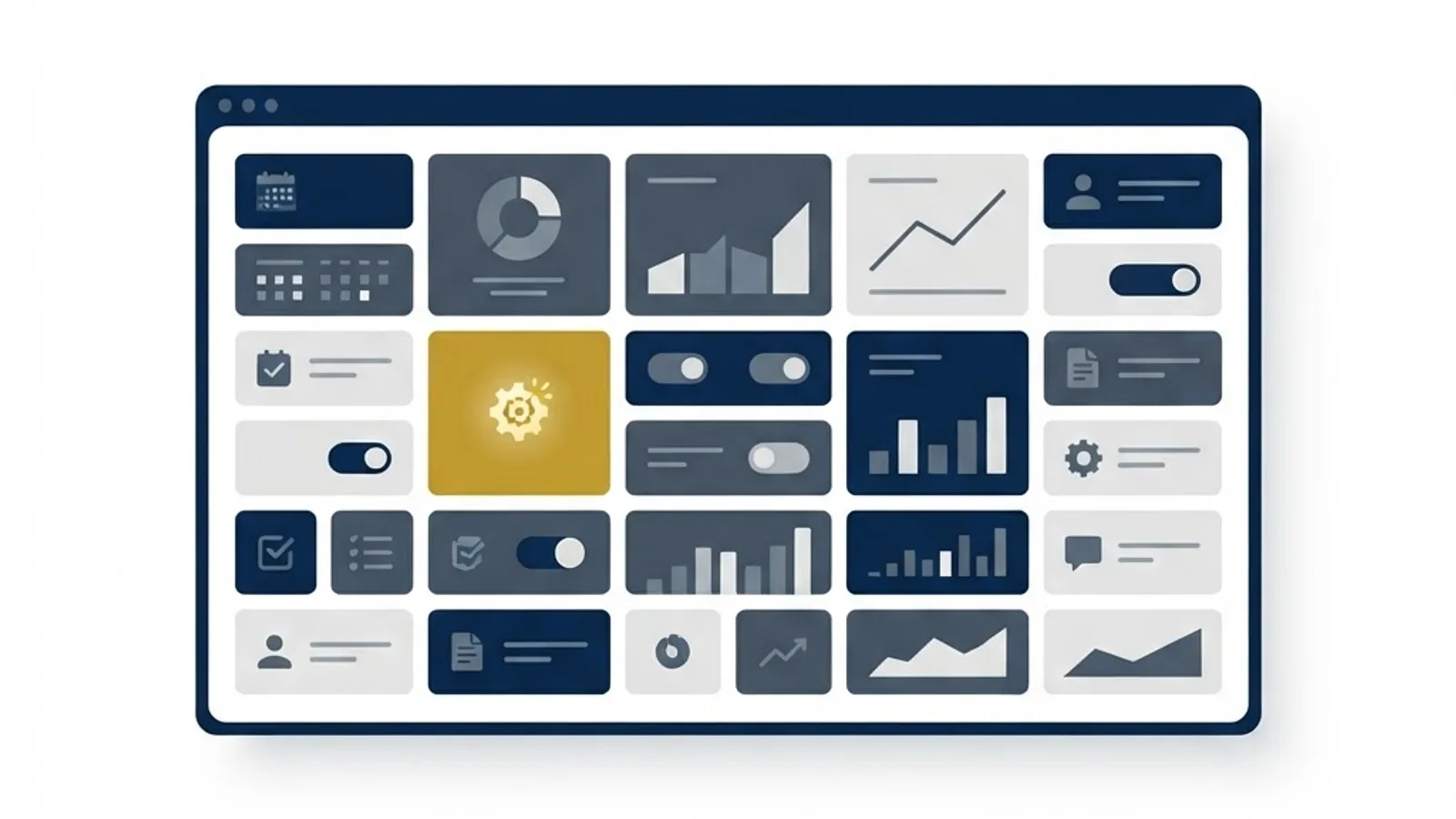
Marketing teams rarely fail because they lack tools. They fail because they have fourteen of them, none of which talk to each other. The idea behind boss suite digital marketing is the opposite: one connected set of capabilities where campaigns, content, customer data and reporting live in the same system.
Whether you call it a marketing suite, a stack or a platform, the underlying question is the same. Should you consolidate into one integrated system, or assemble best-in-class specialist tools and connect them yourself?
This guide explains what a digital marketing suite includes, when consolidation makes sense, and how to implement one without losing the capabilities your team already relies on.
What Is a Digital Marketing Suite?
A digital marketing suite is an integrated platform combining multiple marketing functions in one environment: customer data, email automation, campaign management, landing pages, social publishing, analytics and often CRM.
The defining benefit of a suite is shared data — every tool reads from the same customer record, so segmentation, personalisation and reporting stay consistent everywhere. That single source of truth is what point solutions struggle to replicate.
Suites differ enormously in scope. Some focus on marketing automation with adjacent features; others extend into sales, service and commerce. Matching scope to your actual needs matters more than feature count.
Who Benefits From a Marketing Suite?
Consolidation pays off in identifiable situations.
- Teams running many tools where data reconciliation consumes real time each week.
- Companies with long sales cycles needing unified lead tracking from first touch to close.
- Small marketing teams who cannot maintain complex integrations between systems.
- Multi-brand or multi-location businesses needing consistent execution at scale.
- Organisations facing compliance requirements that demand centralised data governance.
Key Components of a Suite
Unified Customer Data
The foundation is a single profile per person, combining website behaviour, email engagement, purchases and support history. Everything else in the suite derives value from this record being accurate and complete.
Campaign and Automation Tools
Visual workflow builders let teams create multi-step journeys triggered by behaviour rather than sending isolated broadcasts. This is where suites deliver the clearest efficiency gains over disconnected tools.
Content and Landing Page Management
Built-in page builders speed up campaign launches, though they often limit design flexibility. Many teams keep their main website on a dedicated platform, using React JS development for custom experiences while using the suite for simpler campaign pages.
Analytics and Attribution
Because the data is unified, suites can show full-journey reporting that stitched-together tools rarely manage. Verify that attribution models can be configured rather than fixed to one default.
Integration and Extensibility
No suite does everything. Check the quality of its application interface and whether your critical external systems connect reliably. Complex requirements often need custom connectors built by a web application development team.
How to Evaluate and Implement
Suite migrations fail more often from poor process than poor product choice.
- Document every tool currently in use, its cost and who depends on it.
- List the capabilities you genuinely use, separating them from those you merely own.
- Define the three problems consolidation must solve.
- Shortlist platforms that cover those needs without excessive unused scope.
- Run a trial using your real data rather than demonstration environments.
- Audit and clean your customer data before any migration begins.
- Migrate in phases, starting with email and automation rather than everything at once.
- Retire replaced tools deliberately so costs actually fall.
Benefits of Consolidation
Teams that consolidate well report consistent improvements.
- Reporting becomes trustworthy because everyone reads the same data.
- Campaign launch times shorten without cross-tool handoffs.
- Total software cost often falls compared with many separate subscriptions.
- Personalisation improves because behavioural data is available everywhere.
- Onboarding new team members is faster with one system to learn.
Potential Challenges
Suites carry real drawbacks worth weighing honestly.
- Vendor lock-in makes leaving expensive once your data and workflows live inside.
- Weaker individual features compared with specialist tools in each category.
- Migration disruption that can consume a quarter of team capacity.
- Unused capability inflating cost when you buy more scope than you need.
Best Practices and Tips
These practices protect the investment.
- Clean your data before migrating; a suite amplifies bad data rather than fixing it.
- Keep one specialist tool if it is genuinely superior and integrates cleanly.
- Negotiate data export terms before signing, not when you want to leave.
- Train the whole team properly; unused features are the most common waste.
Real-World Example
A professional services firm ran email in one platform, landing pages in another, webinars in a third and analytics in a fourth, with a spreadsheet reconciling leads monthly. Reporting took two days and nobody fully trusted the result.
They consolidated into a single marketing suite over four months. The first phase moved email and contact data only, after a thorough deduplication exercise that removed nearly a fifth of their database as invalid. Landing pages and webinar registration followed. Custom connectors linked the suite to their proprietary client portal. Monthly reporting dropped from two days to under an hour, and lead response time improved because sales notifications became automatic. They kept their main website separate, continuing to invest in ongoing website maintenance rather than rebuilding it inside the suite.
Why It Matters
Fragmented marketing technology has a compounding cost. Every disconnected tool adds reconciliation work, creates another version of the truth and makes personalisation harder. Teams end up spending more time managing systems than reaching customers.
Consolidation is not automatically the answer, but making the decision deliberately is. Most companies arrive at their current stack by accumulation rather than design, which is why auditing it periodically tends to reveal both savings and capability gaps.
Frequently Asked Questions
Is a marketing suite better than separate tools?
It depends on team size and complexity. Small teams usually benefit from consolidation because integration maintenance is expensive in time. Larger teams with dedicated operations staff can often extract more value from specialist tools.
How long does migration take?
Plan for three to six months for a full migration, including data cleaning, phased rollout and training. Attempting to move everything in a few weeks is the most common cause of failed implementations.
What is the biggest hidden cost?
Data preparation. Most organisations underestimate how much duplication and invalid data exists, and cleaning it properly often takes longer than the technical migration itself.
Can I keep my existing website?
Usually yes, and often you should. Most teams connect their main website to the suite for tracking and forms while keeping full design and performance control on their own platform.
Conclusion
A digital marketing suite delivers value when it solves specific, identified problems: fragmented data, slow reporting or unmanageable integrations. Buy for the problems you have, migrate in phases, and clean your data first.
If your website needs to integrate cleanly with a new marketing platform, our cloud solutions team can build the connections your stack depends on.